
Nikto
Nikto
Nikto is a perl based security testing tool and this means it will run on most operating systems with the necessary Perl interpreter installed. We will guide you through using it on Ubuntu Linux, basically because it is our operating system of choice and it just works. Perl comes already installed in Ubuntu. So it is a matter of downloading the tool, unpacking it and running the command with the necessary options. For Windows users running Nikto will involve installing a perl environment (activestate perl) or loading up a Linux virtual machine using Virtualbox or VMware.
Installation
The installation is straight forward:
sudo apt install nikto -y
If there are any errors regarding SSL support it may be necessary to apt install libnet-ssleay-perl. Without SSL/TLS support you will not be able to test sites over HTTPS.
https://hackertarget.com/nikto-tutorial/
Usage
Getting started
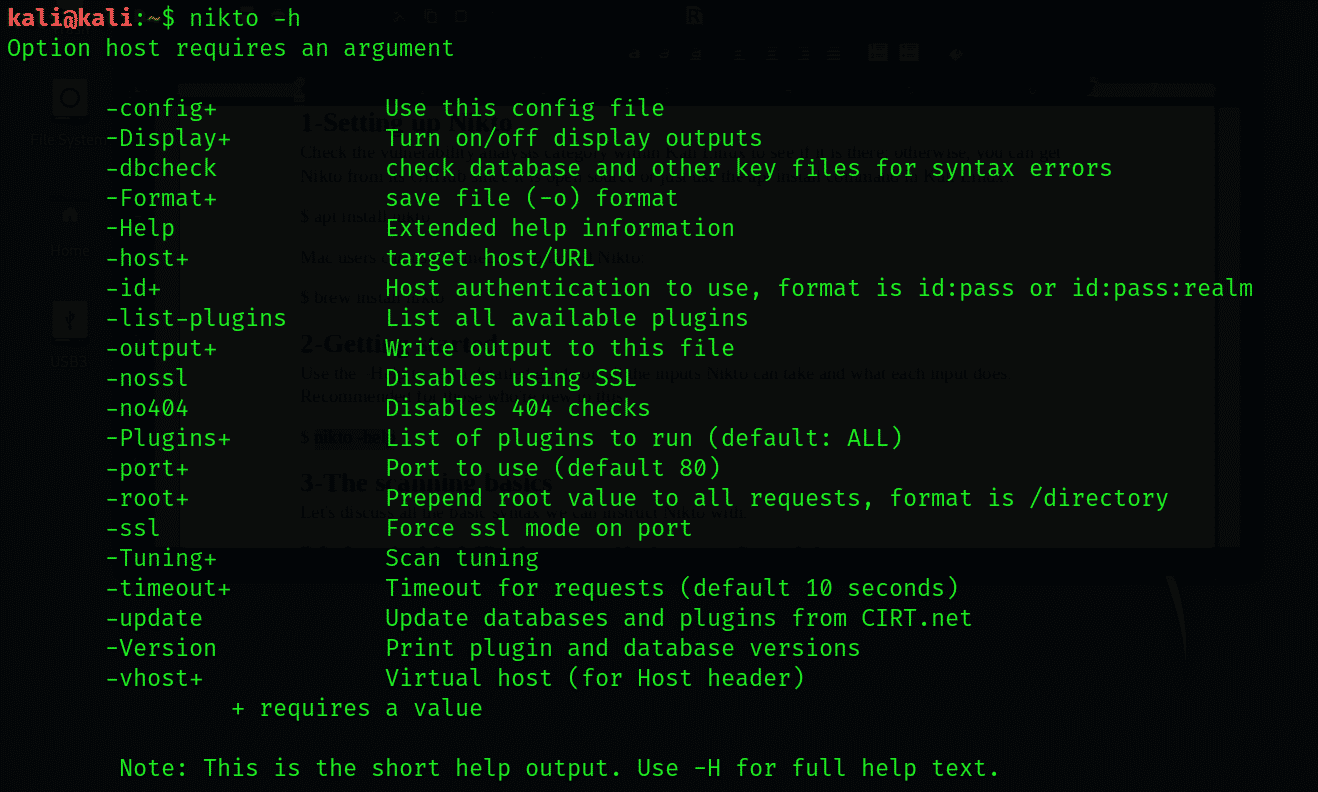
Use the –Help to see a detailed guide on all the inputs Nikto can take and what each input does. Recommended for those who’re new to this.
nikto -help
Basics
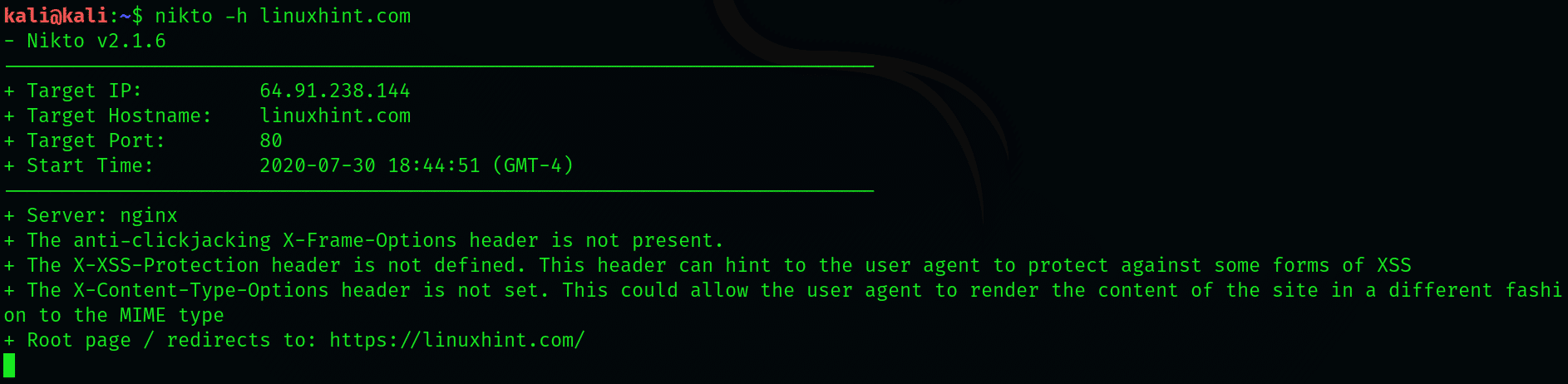
Substitute the default IP or hostname with a hostname of your choice:
nikto -h linuxhint.com
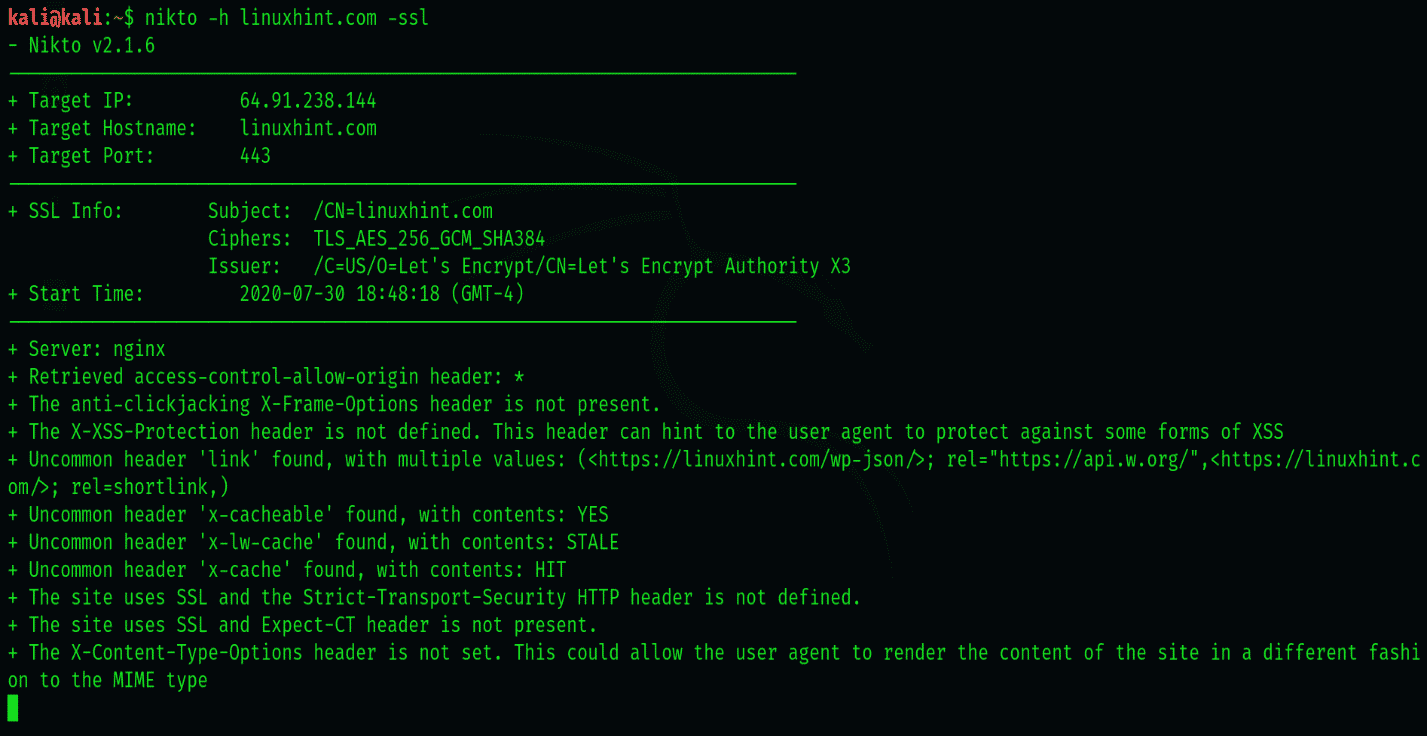
We can perform a basic scan to look for port 443 and SSL, which has widespread use in HTTP websites. Although Nikto doesn’t need you to specify the type, specifying helps Nikto save some time with scanning.
To specify an SSL website, use the following syntax
nikto -h linuxhint.com -ssl
Server List
Nikto can scan a list of servers as well.
nikto -h targetIP.txt