
Configure OpenMediaVault
First Login
Enter the IP of your Raspberry in your Browser.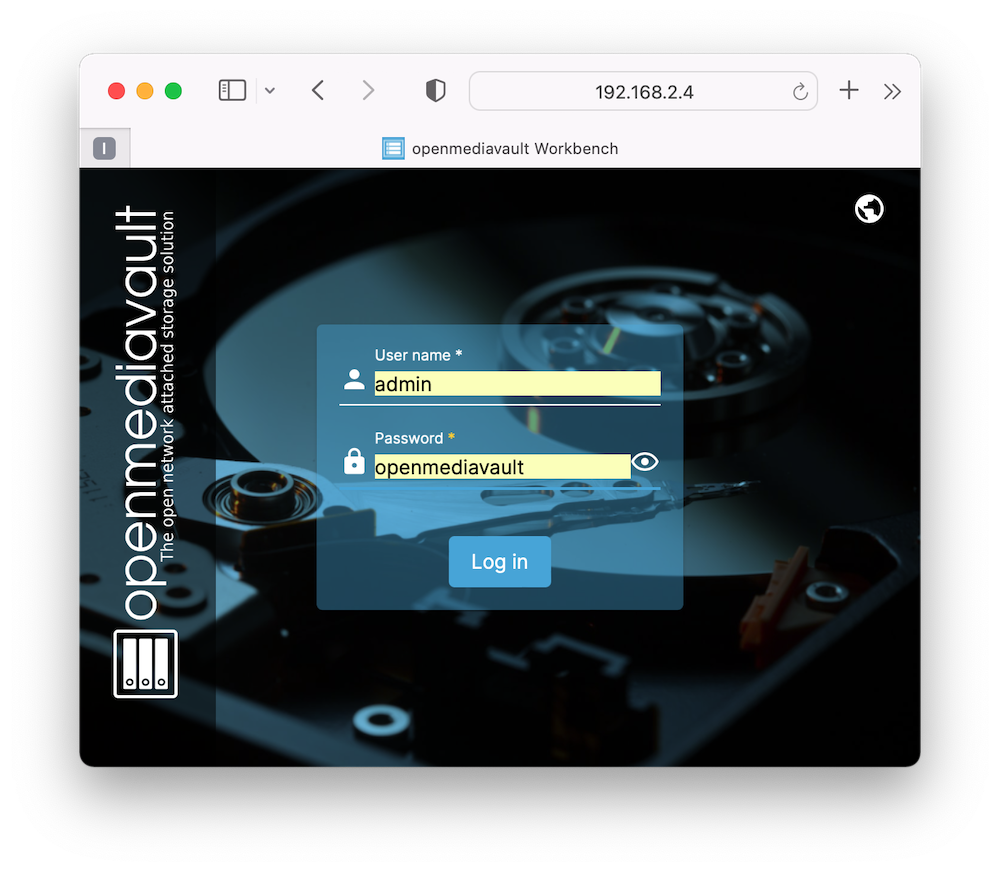
Default credentials are admin:openmediavault.
Change the password immediately!
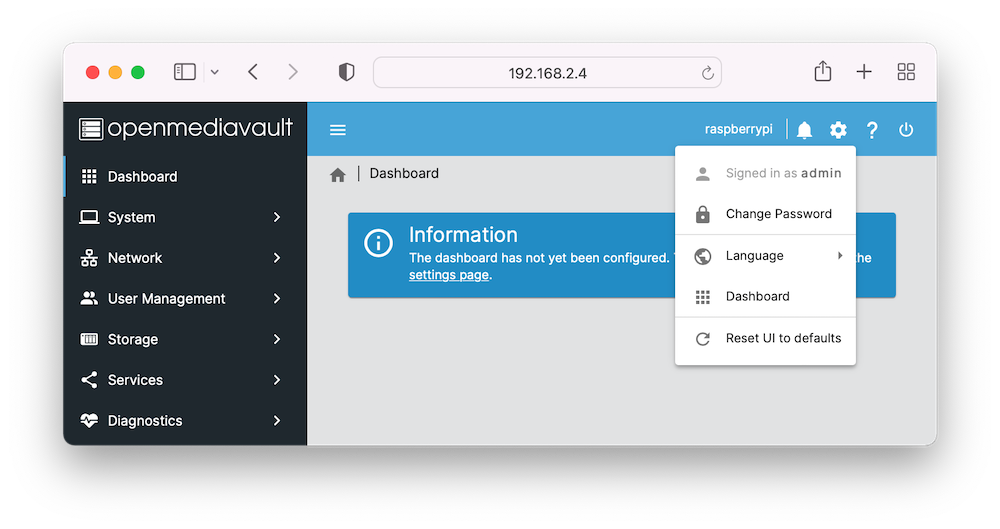
Configure File Services
Make sure you connected the SSD to your Raspi.
Scan your disk
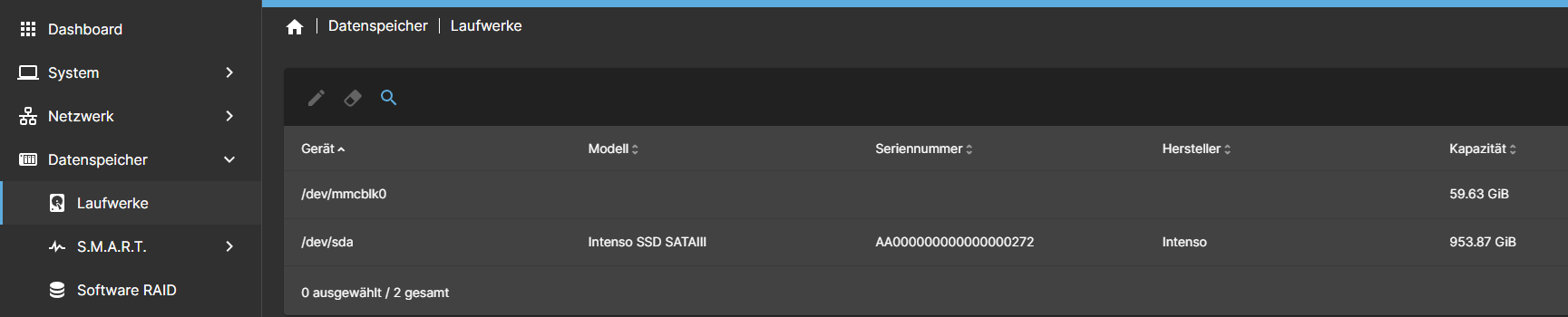
If your disk disk was not found in the first place click on the magnifying glass in the top ribbon.
Mount the drive
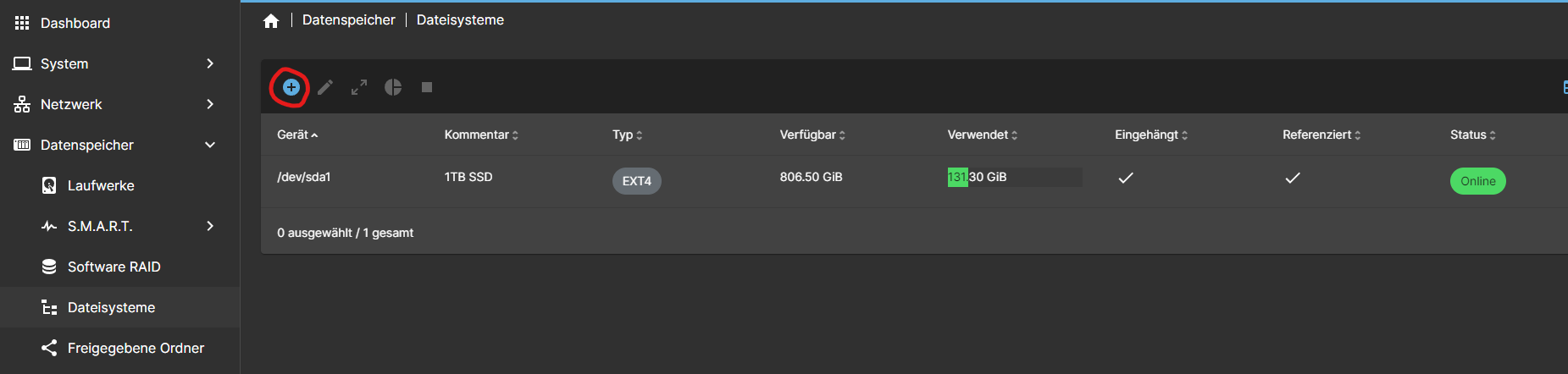
Click Storage > File Systems from the sidebar menu to enter the file system management page. If the storage device does not have a file system yet, click + to Create or Mount file system. OMV can create/mount ext4, ext3, JFS, xfs file systems, but only mounts are supported for the NTFS file system. So use NTFS.
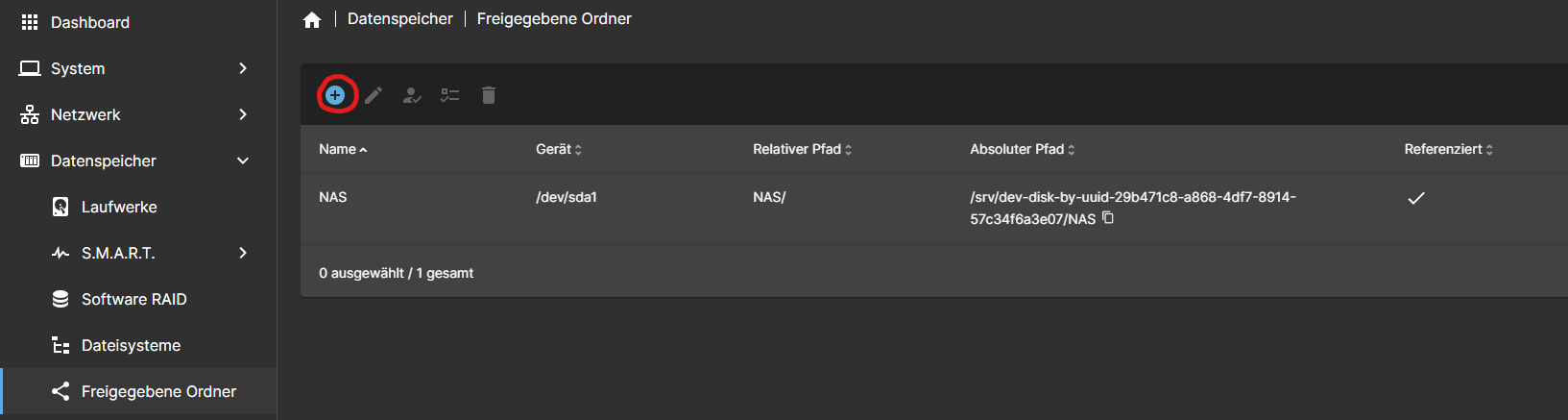
Set Shared Folders
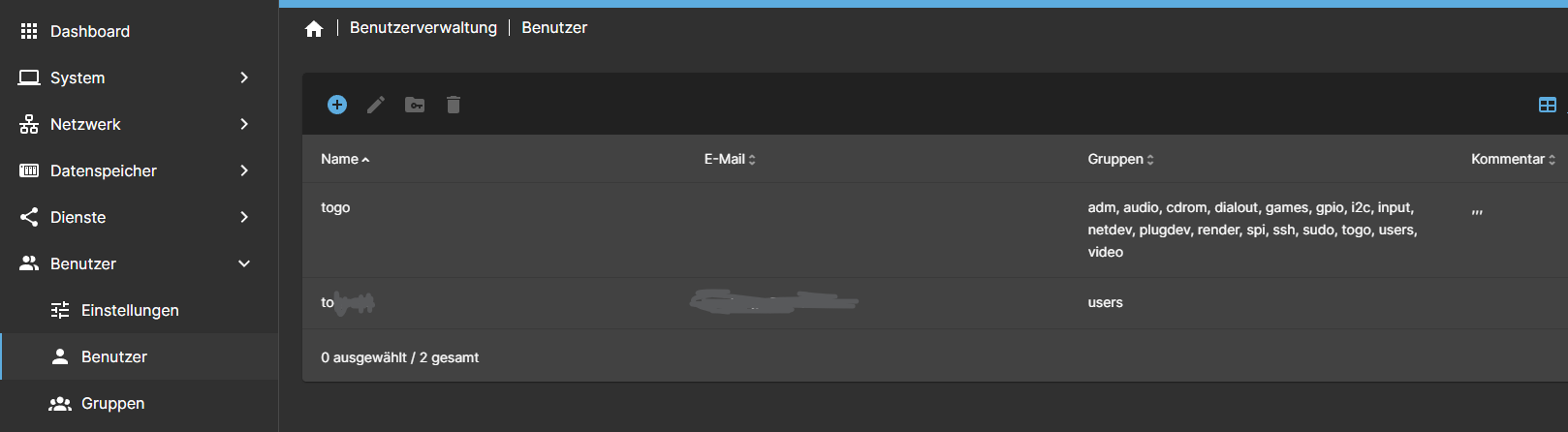
Create access user
No Comments